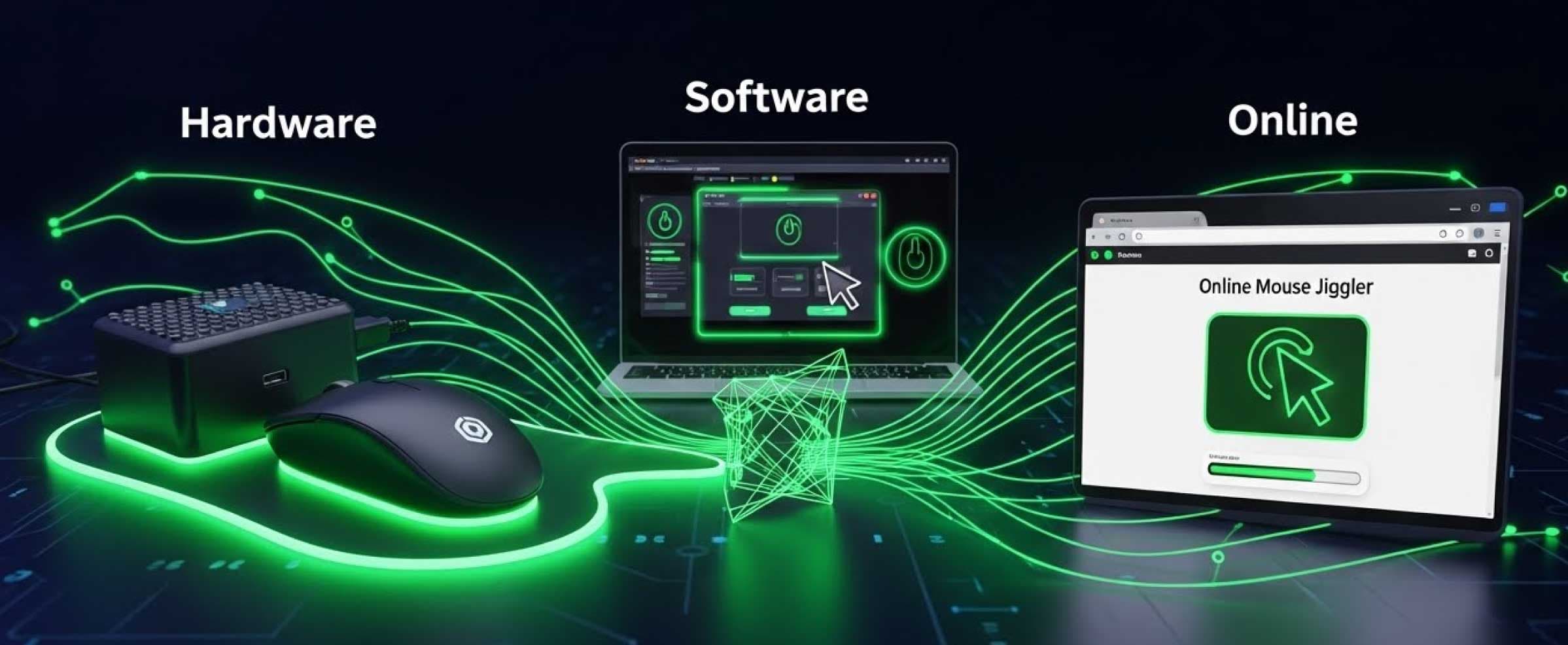
Hardware vs. Software vs. Online Mouse Jigglers: Which is Safe? (2026)
2026-01-21
The remote work revolution has created a new dilemma: Productivity Paranoia. With 78% of companies now using tracking software to monitor employee activity, the humble "Mouse Jiggler" has evolved from a niche gadget to a survival tool.
But if you are in the market for one, you are likely overwhelmed by the choices. Should you buy a physical USB dongle from Amazon? Should you risk installing a free .exe program? Or should you just use a website?
In this comprehensive comparison, we analyze Hardware vs. Software vs. Online Mouse Jigglers to determine which one protects your privacy without triggering an alert to your IT department.
The Three Contenders: An Overview
Before we discuss safety, let's define the three technologies competing for your attention.
1. Hardware Jigglers (The "Physical" Option)
These are physical devices that look identical to a USB thumb drive. Inside, they contain a simple chip that tells your computer, "I am a mouse, and I am moving."
- How it works: It mimics a standard HID (Human Interface Device) driver.
- Cost: $10 - $50 USD.
2. Software Jigglers (The "Installable" Option)
These are applications or scripts (like "Move Mouse" or Python scripts) that you download and install on your hard drive. They run in the background to virtually move the cursor.
- How it works: It injects input commands directly into the operating system.
- Cost: Usually Free.
3. Online Jigglers (The "Browser" Option)
The newest generation of tools, like MoveMyCursor. These require no hardware and no installation.
- How it works: Uses JavaScript and Web APIs entirely inside a Chrome or Edge tab to simulate activity.
- Cost: Free.
Round 1: Detectability & IT Safety
This is the most critical factor. Can your boss or the IT security team see that you are using it?
The Risk of Hardware (USB)
Many users assume hardware is undetectable because "it's just a mouse." This is false. Modern corporate security platforms (like CrowdStrike or SentinelOne) use Device Control policies.
- The Trap: When you plug in a cheap $10 USB jiggler, it transmits a "Vendor ID" and "Product ID." If your company blocks non-approved USB devices, or if the device ID matches a known list of "Jiggler" manufacturers, an alert is sent instantly to the security dashboard.
The Risk of Software (.exe)
This is the riskiest option. Most corporate laptops have a "Software Inventory" scanner.
- The Trap: Even if you have Admin rights to install it, the IT team can run a report showing every computer with "MouseMover.exe" installed. Furthermore, downloading unknown
.exefiles is the fastest way to get malware, which is a massive security violation.
The Safety of Online (Browser)
Online jigglers are the clear winner for safety.
- The Advantage: Because they run inside a web browser, they do not touch your operating system. To an IT monitor, it simply looks like you have a browser tab open—indistinguishable from reading a news site or internal documentation. There is no file to scan and no USB device to identify.
Round 2: Convenience & Usability
Hardware: Requires you to sacrifice a USB port. If you have a modern MacBook (which only has USB-C ports), you might need a dongle just to plug in your jiggler dongle. Plus, you have to remember to physically unplug it when you actually want to work.
Software: Requires installation and configuration. If you switch computers or work from a friend's laptop, you have to reinstall it.
Online: The ultimate in convenience. It works on any device with a browser—Windows, Mac, Linux, or Chromebook. You can bookmark it, open it in 2 seconds, and close the tab when you are done. Zero friction.
Comparison Summary
| Feature | Hardware (USB) | Software (.exe) | Online (MoveMyCursor) |
|---|---|---|---|
| Cost | $20+ | Free | Free |
| Installation | Physical Plug-in | Install Required | None |
| IT Detection Risk | Medium (Device ID) | High (File Scan) | Zero (Sandboxed) |
| Port Required | Yes (USB-A/C) | No | No |
| Works on Mobile? | No | No | Yes |
Conclusion: Which is the Safest Option?
While hardware jigglers were popular in 2020, security technology has caught up. The risk of an "Unauthorized USB Device" alert is simply too high for most employees. Similarly, installing software on a work laptop is a guaranteed way to violate IT policy.
The Winner: Online Mouse Jigglers.
For the modern remote worker in 2026, a browser-based solution like MoveMyCursor offers the perfect balance. It is effective enough to prevent Mac sleep and keep Teams active, but safe enough to leave absolutely no digital footprint on your work device.
Ready to secure your privacy? No downloads. No credit cards. Just click below.