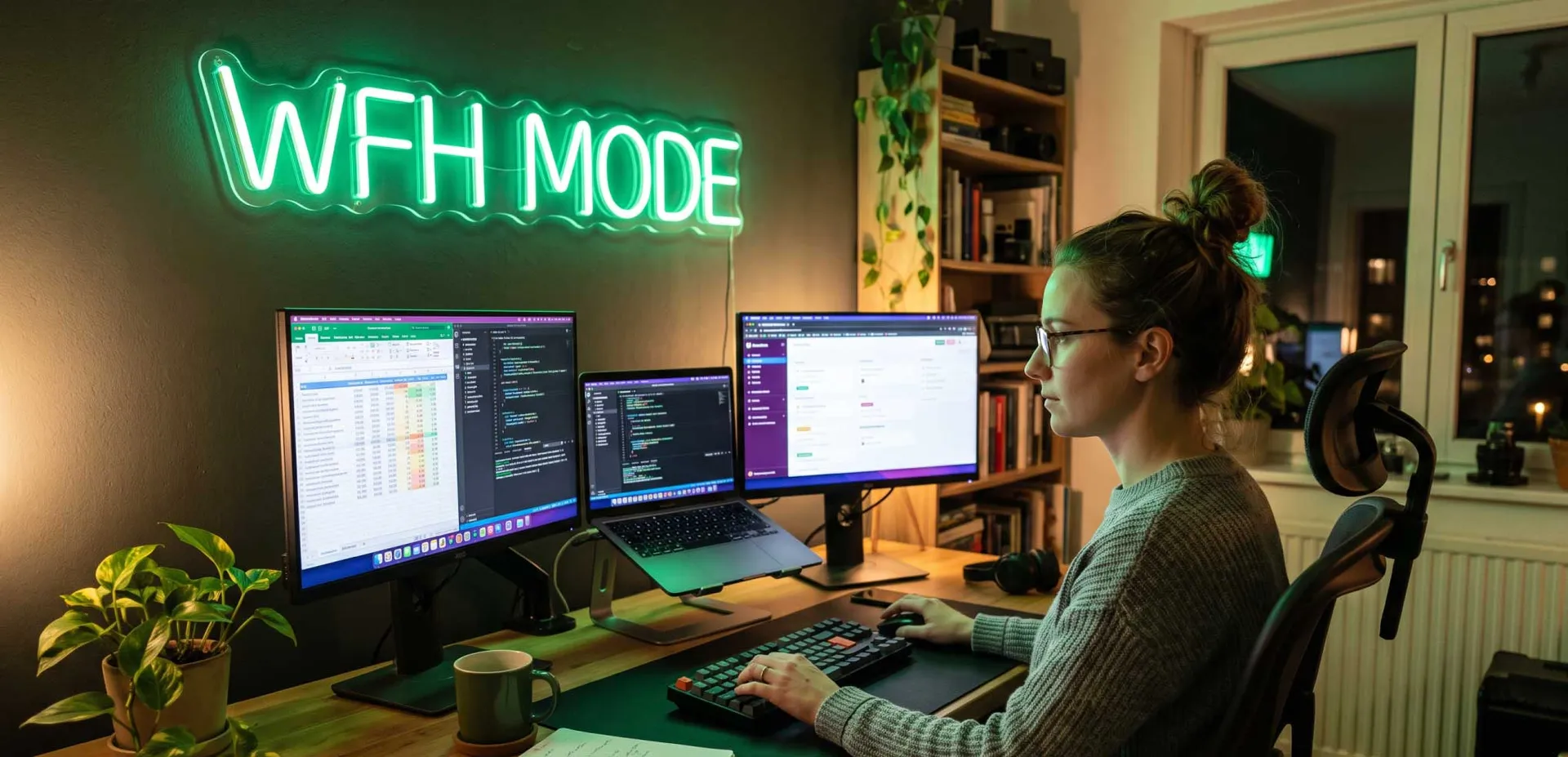
As a freelancer working from home, your monitor is your primary window to productivity. A poor display can lead to eye strain, reduced efficiency, and even long-term health issues. But with a tight budget, finding a monitor that balances cost, features, and ergonomics is challenging. This comprehensive guide analyzes the best budget monitors for freelance work, covering everything from resolution to connectivity, based on deep research from top forums and expert insights.
Why Your Monitor Choice Matters for Freelance Success
Freelancers often spend 8–12 hours daily in front of a screen. A subpar monitor can cause headaches, blurred vision, and neck pain, directly impacting your output and income. Conversely, a well-chosen budget monitor enhances focus, reduces fatigue, and allows you to manage multiple windows efficiently. Key factors include panel type, resolution, size, ergonomics, and connectivity. Let's dive into what makes a monitor ideal for various freelance roles—from writing and design to coding and data analysis.
Key Specifications to Look for in a Budget Monitor
Panel Type: IPS vs VA vs TN
IPS (In-Plane Switching) panels offer superior color accuracy and wide viewing angles, making them ideal for graphic designers and video editors. VA (Vertical Alignment) panels provide better contrast ratios, suitable for watching media or dark-themed work. TN (Twisted Nematic) panels are cheaper but have poor color reproduction and viewing angles; avoid them for professional work. For most freelancers, an IPS panel is the best budget-friendly choice.
Resolution: 1080p vs 1440p vs 4K
Full HD (1920x1080) is the standard for budget monitors and sufficient for writing, coding, and general office tasks. Quad HD (2560x1440) offers more screen real estate, beneficial for designers and multitaskers. 4K (3840x2160) provides sharp text and images but requires a powerful GPU and higher budget. For a budget monitor, 1080p or 1440p are recommended depending on your work.
Refresh Rate and Response Time
For freelance work, a 60Hz refresh rate is adequate. Higher refresh rates (75Hz, 144Hz) reduce eye strain but are not necessary unless you also game. Response time (1ms–5ms) matters less for office tasks; 5ms is fine.
Ergonomics: Adjustability Matters
A monitor with height adjustment, tilt, swivel, and pivot capabilities allows you to set up an ergonomic workstation. This prevents neck and back pain. Many budget monitors lack full ergonomics, so look for VESA mount compatibility to add an aftermarket arm.
Connectivity: Ports You Need
Ensure the monitor has HDMI, DisplayPort, and USB-C (if needed for laptop charging). USB hubs can reduce cable clutter. For freelancers using laptops, USB-C with power delivery is a game-changer.
Top 5 Best Budget Monitors for Freelance Work
Based on extensive forum analysis (Reddit, Tom's Hardware, Linus Tech Tips) and expert reviews, here are the top budget monitors that deliver exceptional value for freelancers.
1. Dell S2421HN – Best Overall for Most Freelancers
The Dell S2421HN is a 24-inch IPS monitor with Full HD resolution, slim bezels, and excellent color accuracy. It features AMD FreeSync, dual HDMI ports, and a sleek design. Priced around $150, it's a steal. Users praise its out-of-the-box calibration and eye comfort. Ideal for writers, virtual assistants, and general office work.
- Pros: Great color, thin bezels, reliable brand
- Cons: No height adjustment, only 60Hz
- Best for: General freelance tasks, writing, data entry
2. ASUS ProArt PA248QV – Best for Designers on a Budget
The ASUS ProArt PA248QV is a 24.1-inch IPS monitor with 1920x1200 resolution (16:10 aspect ratio), offering extra vertical space. It covers 100% sRGB and Rec. 709, with Calman Verified color accuracy. Priced around $250, it includes height adjustment, pivot, and USB hub. Designers and photo editors love it for its color fidelity.
- Pros: Color accurate, ergonomic stand, 16:10 ratio
- Cons: Slightly higher price, 60Hz
- Best for: Graphic design, photo editing, video editing
3. LG 27MK600M-B – Best 27-Inch Budget Monitor
The LG 27MK600M-B is a 27-inch IPS monitor with Full HD resolution, slim bezels, and AMD FreeSync. It offers great color performance and a wide viewing angle. Priced around $180, it's a solid choice for those who prefer a larger screen without breaking the bank. However, 1080p at 27 inches results in lower pixel density, which may not suit text-heavy work.
- Pros: Large screen, good color, affordable
- Cons: Low pixel density, no height adjustment
- Best for: Video conferencing, media consumption, light office work
4. BenQ GW2480 – Best for Eye Care
The BenQ GW2480 is a 24-inch IPS monitor with a unique Eye-Care technology, including low blue light and flicker-free performance. It has built-in speakers and a slim design. Priced around $130, it's one of the most affordable quality monitors. Perfect for freelancers who suffer from eye strain.
- Pros: Eye care features, low price, decent color
- Cons: No height adjustment, basic stand
- Best for: Long work hours, eye-sensitive users
5. HP V27i – Best Value 27-Inch IPS
The HP V27i is a 27-inch IPS monitor with Full HD resolution, a 5ms response time, and VESA mount compatibility. It offers good color accuracy and a sleek design. Priced around $160, it's a great entry-level large monitor. Users appreciate its build quality and warranty.
- Pros: Large IPS, good build, VESA compatible
- Cons: No USB ports, basic adjustability
- Best for: Budget-conscious freelancers wanting a big screen
Comparison Table of Top Budget Monitors
How to Choose the Right Budget Monitor for Your Freelance Niche
For Writers and Content Creators
Writers need a monitor with clear text and minimal eye strain. A 24-inch 1080p IPS monitor like the Dell S2421HN or BenQ GW2480 is ideal. Consider a monitor with a built-in blue light filter. Avoid glossy screens to reduce glare.
For Graphic Designers and Video Editors
Color accuracy is paramount. Invest in an ASUS ProArt PA248QV or a used Dell UltraSharp. Look for 100% sRGB coverage and an ergonomic stand. A 1440p monitor might be worth the extra cost for more detail.
For Programmers and Developers
Programmers benefit from high resolution and screen real estate. A 27-inch 1440p monitor is ideal, but on a budget, a 24-inch 1080p with a vertical orientation (pivot) can work. The ASUS ProArt PA248QV with its 16:10 ratio is excellent for code.
For Virtual Assistants and Data Entry
These roles require multiple windows open. A 27-inch 1080p monitor like the LG 27MK600M-B provides ample space. Consider a dual-monitor setup with two budget 24-inch monitors for maximum productivity.
Setting Up Your Budget Monitor for Maximum Productivity
Ergonomic Setup Steps
- Place the monitor at arm's length, with the top of the screen at or slightly below eye level.
- Use a monitor arm if your monitor lacks height adjustment.
- Position the screen to avoid glare from windows or lights.
- Adjust brightness and contrast to comfortable levels.
- Enable blue light filter in the evenings.
Calibration Tips
Even budget monitors can benefit from basic calibration. Use Windows built-in calibration tool or free software like QuickGamma. For design work, consider a hardware calibrator like SpyderX, but for most tasks, manual adjustment suffices.
Dual Monitor Setup on a Budget
Using two monitors can boost productivity by 20–30%. For a budget dual setup, buy two identical 24-inch 1080p monitors. Use a dual monitor arm to save desk space. Ensure your laptop or PC supports dual displays via HDMI or DisplayPort.
Frequently Asked Questions

Written by
Afzal Mustafa
ContributorA mysterious author who loves writing great content.
Keep Reading
View All
Best Portable Monitors for Remote Workers on the Move
Discover the best portable monitors for remote workers on the move. Our expert guide covers key factors like display, connectivity, and portability, plus top picks for every budget. Boost your productivity anywhere.
Why Physical Mouse Jigglers Get Flagged by Corporate IT Departments
Discover why corporate IT departments flag physical mouse jigglers, including detection methods, security risks, policy violations, and ethical alternatives for remote workers.